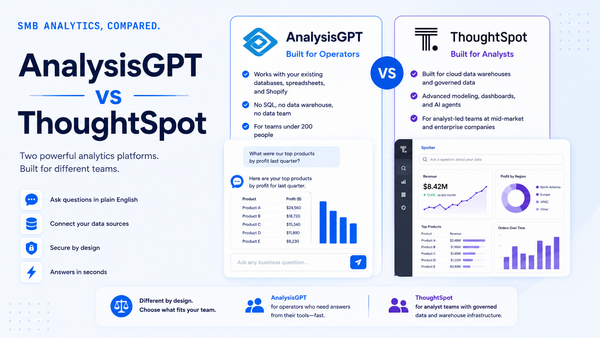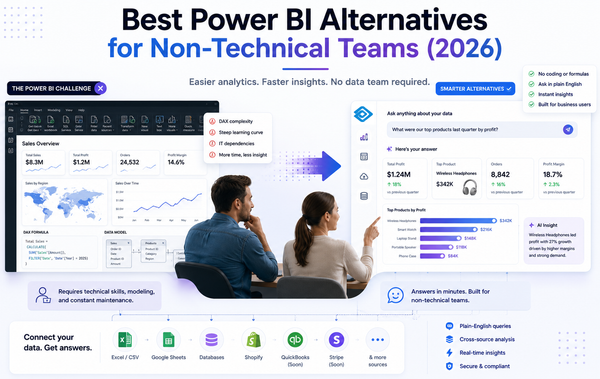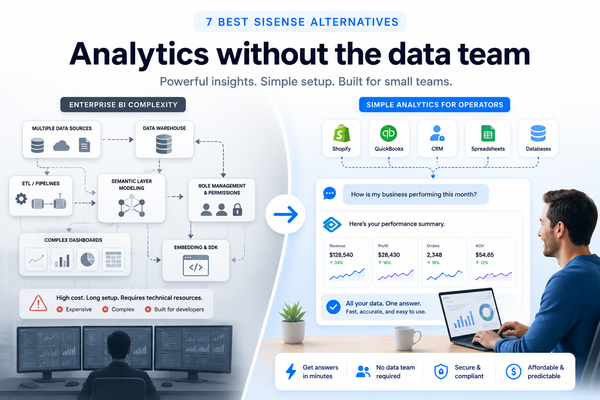
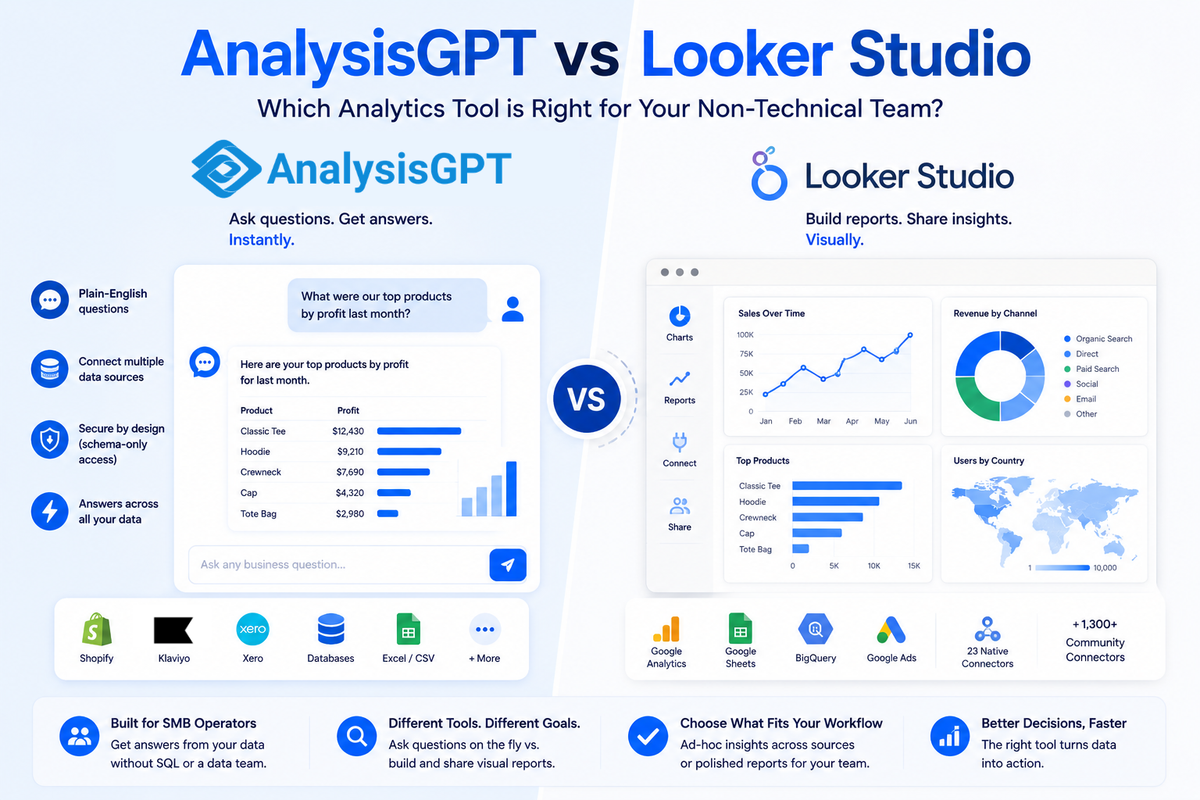
AnalysisGPT and Looker Studio both promise easier analytics, but they solve fundamentally different problems. AnalysisGPT is a conversational analytics platform where non-technical SMB operators type business questions in plain English and get cross-source answers instantly. Looker Studio is Google's free drag-and-drop report builder, designed for teams that want to create visual dashboards from structured data. The choice between them is a category decision, and it matters more than most teams realize. The U.S. alone has 36.2 million small businesses (SBA, 2026), and 78.4% of U.S. business establishments have no paid employees at all (U.S. Census Bureau, 2026). Most of these operators make decisions from data without a dedicated analyst. Do you need a tool that answers questions on the fly, or one that builds shareable reports and charts? Your team's technical skills, data sources, and daily workflow will determine which fits best.
Key takeaways
- Interaction model: AnalysisGPT uses plain-English queries; Looker Studio uses a drag-and-drop visual editor.
- Pricing: AnalysisGPT starts with a free Trial plan and scales to £90 billed every 30 days for connected sources; Looker Studio's free tier has no user or report limit, with a Pro tier at $9 per user per project per month.
- Data sources: AnalysisGPT connects to databases, accepts file uploads, and has native Shopify, Klaviyo, and Xero connections; Looker Studio offers 23 native connectors plus over 1,300 community connectors.
- Target user: AnalysisGPT is built for the 50-person company with five data sources and no data team; Looker Studio is strongest with teams already using the Google ecosystem.
- When each fits: Choose AnalysisGPT for ad-hoc, cross-source answers without SQL; choose Looker Studio for polished visual reports shared across a larger team.
At-a-glance comparison
What is AnalysisGPT
AnalysisGPT is a conversational analytics platform built for non-technical SMB operators who need answers from their data without writing SQL or building dashboards. Users connect their data sources and ask business questions in plain English. The platform returns insights, charts, and analysis instantly.
The platform supports database connections, Excel and CSV file uploads, and native integrations with Shopify, Klaviyo, and Xero. QuickBooks and Square integrations are in progress. Stripe is being evaluated. AnalysisGPT also handles cross-source analysis, so operators can query across multiple connected systems in a single workflow.
Security follows a schema-only model. The AI sees the structure of the data (schema), not the data itself. A separate read-only connection executes queries against the customer's system. The platform holds SOC 2, ISO 27001, ISO 42001, GDPR, and UK Cyber Essentials certifications.
Pricing starts with a free Trial plan at £0. The Excel plan costs £20 billed every 30 days and covers file-based analysis only. The Pro plan at £90 billed every 30 days adds connected sources like databases and native integrations. An Enterprise plan with custom billing is available for larger organizations.
What is Looker Studio
Looker Studio is Google's free report-building platform that lets teams create interactive dashboards and visual reports using a drag-and-drop editor. The tool connects to 23 native data connectors across five categories, with the strongest support for Google's own ecosystem: Google Analytics, Google Ads, BigQuery, and Google Sheets. More than 1,300 community-built connectors extend coverage to third-party platforms, bringing the total available data sources to over 1,400.
The free tier has no limit on the number of users or reports. Teams can create, share, and schedule reports without any cost. Looker Studio Pro adds enterprise features like CMEK (Customer-Managed Encryption Keys) support at $9 per user per project per month.
Google has introduced conversational analytics capabilities through BigQuery, but the current implementation requires technical users to build agents in BigQuery first before sharing them with business users. The conversational layer is not a native feature within Looker Studio's own interface.
Looker Studio inherits Google Cloud's platform-level security and compliance certifications. For teams already invested in Google Workspace and Google Cloud, the tool integrates naturally with existing permissions and data governance.
How AnalysisGPT and Looker Studio compare
AnalysisGPT and Looker Studio differ most on interaction model, data sources, pricing, security, and target user profile. Each dimension points toward a different team type.
How you interact with your data
AnalysisGPT lets operators ask questions in plain English and receive answers in seconds. There are no dashboards to configure and no charts to build manually. The platform handles query generation, data retrieval, and visualization in a single conversational step.
Looker Studio takes a visual-first approach. Users drag and drop data fields onto a report canvas, configure chart types, and build layouts that can be shared or scheduled. The process gives teams precise control over presentation but requires upfront design work.
Google's BigQuery does offer conversational analytics, but the current path requires a technical user to build an agent in BigQuery first, then share it with business users. The conversational capability is not available directly inside Looker Studio's editor.
For a 50-person company without a data analyst on staff, the AnalysisGPT model means any team member can get answers. Looker Studio's visual builder works well when someone on the team can own report creation and maintenance.
Data sources and connectors
AnalysisGPT connects to databases, accepts Excel and CSV uploads, and offers native integrations with Shopify, Klaviyo, and Xero. QuickBooks and Square are in progress. The platform is designed for the SMB tool stack, where operators need answers that span multiple systems in one query.
Looker Studio's connector library is significantly larger. The platform includes 23 native connectors and over 1,300 community connectors. Coverage is strongest within the Google ecosystem (Analytics, Ads, BigQuery, Sheets), and community connectors fill gaps for platforms like Salesforce, HubSpot, and Facebook Ads. Looker Studio does not include a native Shopify connector based on current documentation; Shopify data typically reaches Looker Studio through a third-party community connector or a BigQuery pipeline.
Pricing and cost structure
AnalysisGPT's Trial plan is free (£0) and gives time-limited access to the full Pro experience. The Excel plan at £20 billed every 30 days covers file-based analysis. The Pro plan at £90 billed every 30 days adds connected sources. Enterprise pricing is custom.
Looker Studio's free tier carries no user or report limits. Any Google account holder can create reports and share them with viewers at no cost. Looker Studio Pro at $9 per user per project per month adds CMEK and team workspace management.
Cost scales differently for each tool. AnalysisGPT pricing ties to data access (files vs. connected sources). Looker Studio Pro pricing ties to the number of users and projects. For a small team that only needs to ask questions of their data, AnalysisGPT's Excel or Pro plan may be the simpler path. For a larger team distributing reports across departments, Looker Studio's free tier can serve dozens of viewers without additional cost.
Security and compliance
AnalysisGPT uses a schema-only security model. The AI sees the structure of the data, not the data itself. A separate read-only connection executes queries against the customer's system. The platform holds SOC 2, ISO 27001, ISO 42001, GDPR, and UK Cyber Essentials certifications.
Looker Studio inherits Google Cloud's platform-level security and compliance. Access controls follow Google Workspace permissions. Looker Studio Pro adds CMEK support for teams that need to manage their own encryption keys.
Both tools take different paths to the same goal. AnalysisGPT's architecture isolates the AI from raw customer data by design. Looker Studio relies on Google Cloud's established security infrastructure and identity management.
Who each tool is built for
AnalysisGPT is built for the 50-person company with five data sources and no data team. The ideal user is an SMB founder, operations lead, or finance lead who needs answers from Shopify, Xero, or a database without waiting for someone technical to pull a report.
Looker Studio is strongest with teams that already use Google Analytics, Google Ads, or BigQuery and want polished, shareable reports. The tool works best when at least one person can own report design and connector configuration. Marketing teams, agencies, and data-comfortable departments get the most value.
AnalysisGPT is one of the few tools in this category focused on SMB-native connections, cross-system answers, and non-technical operators in the same workflow. Looker Studio's strength is its breadth of connectors and its $0 price for visual reporting.
When to choose AnalysisGPT
AnalysisGPT is the stronger fit when your team needs answers from data without building dashboards or learning a query language.
- No data team: Your company has no analyst or BI specialist, and you need business answers without hiring one.
- Cross-source questions: You pull data from Shopify, Xero, a database, and uploaded spreadsheets, and you need answers that span all of them.
- Ad-hoc questions over scheduled reports: You ask different questions every week based on what's happening in the business, rather than reviewing the same dashboard every Monday.
- File-based analysis: You have Excel and CSV files you want to query conversationally without importing them into a BI tool.
- Speed over polish: You care more about getting a quick, accurate answer than about formatting a presentation-ready chart.
- SMB operator workflow: You run a 20-to-100-person company and want plain-English access to your Shopify, Klaviyo, or Xero data alongside your database.
When to choose Looker Studio
Looker Studio is the stronger fit when your team needs polished visual reports that multiple people can view, filter, and share.
- Google ecosystem: Your team already uses Google Analytics, Google Ads, BigQuery, or Google Sheets as primary data sources.
- Scheduled reporting: You need automated reports delivered on a cadence to managers or clients.
- Large viewer base: Dozens of people need to view and interact with dashboards, and the free tier supports unlimited viewers.
- Visual presentation: Stakeholder communication requires branded, formatted charts and tables, not text-based answers.
- Agency or client reporting: You build reports for external clients who need a self-service view of their data.
- Budget constraint: Your team needs a capable reporting tool at $0 for the standard tier.
Frequently asked questions
Can Looker Studio connect to Shopify
Looker Studio does not include a native Shopify connector based on current documentation. Shopify data can reach Looker Studio through third-party community connectors or by routing Shopify data into BigQuery first and connecting Looker Studio to that BigQuery dataset. AnalysisGPT offers a native Shopify connection.
Does AnalysisGPT replace Looker Studio
AnalysisGPT and Looker Studio solve different problems and can complement each other. AnalysisGPT is designed for ad-hoc conversational queries across multiple sources. Looker Studio is designed for building polished visual reports. A team might use AnalysisGPT for daily questions and Looker Studio for monthly board reports. The decision depends on whether your primary need is getting answers or building dashboards.
Is Looker Studio really free
Looker Studio's standard tier is free with no user or report limits. Creators, editors, and viewers all have full access at no cost. Looker Studio Pro adds enterprise features like CMEK at $9 per user per project per month. Most small teams will find the free tier sufficient for dashboard creation and sharing.
Can I use both tools together
Yes. Some teams use AnalysisGPT for quick, cross-source questions during the week and Looker Studio for formal reporting. AnalysisGPT handles the ad-hoc "how did we do last week across Shopify and Xero" questions. Looker Studio handles the "monthly traffic and conversion dashboard for the leadership meeting" reports. The tools address different moments in a team's data workflow.
What is the learning curve for each tool
AnalysisGPT requires minimal onboarding. Users connect a data source or upload a file and start asking questions in plain English. No training on chart types, formulas, or connector configuration is needed.
Looker Studio has a moderate learning curve. The drag-and-drop interface is approachable for anyone comfortable with spreadsheets, but building effective reports requires familiarity with data blending, calculated fields, and connector setup. Google provides documentation and templates to speed up the process. Most users can build a basic report within a few hours, but advanced dashboards take longer.
Explore AnalysisGPT
The right tool depends on whether your team needs answers or dashboards. AnalysisGPT gives non-technical operators a way to ask business questions across Shopify, Klaviyo, Xero, databases, and uploaded files, all in plain English. Looker Studio gives teams a free way to build visual reports.